
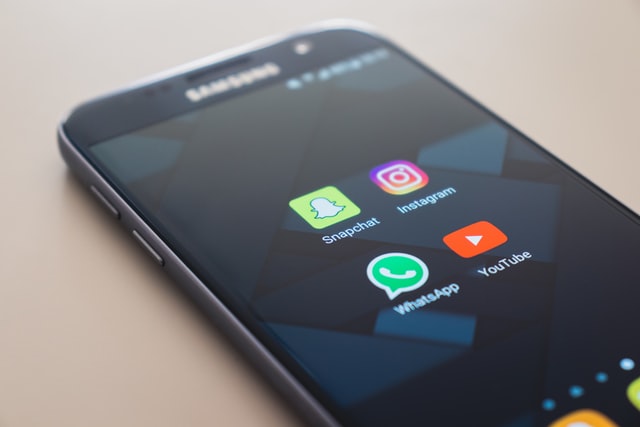
WhatsApp is one of the world’s most popular mobile messengers that is used by millions of people. WhatsApp has lots of amazing features, and when the messenger rolled out the feature that allowed you delete your outgoing message both for you and the recipient, the users rejoiced. However, sometimes you hear the incoming message signal and open WhatsApp only to see that the sender deleted the message. Here is how to read deleted messages on WhatsApp.
1. Method #1
If you received the notification for a WhatsApp message recently but when you entered the app it was already gone, you may benefit from an app that saves and lists your notifications. The most popular options include WhatsRemoved+, Notification Log, and Notification History Log. Unfortunately, all those apps are only available for Android devices and can only be downloaded from Google Play Store, as Apple probably would not allow any third-party app such an all-encompassing access to the data of its users. Plus, you will need to have this app installed prior to receiving the message, as it doesn’t display the notifications you received before the installation of the app.
To take advantage of this method, you first need to download the chosen app from the Google Play Store and give it access to all the permissions the app may ask for. After granting permissions, open the app and it will ask you which apps you want to sync with the notification app. Choose WhatsApp, go to the next screen, agree to save the files, and the app will present you a list of notifications where you can find the message that was deleted by the sender.
2. Method #2
This method of reading deleted WhatsApp messages can be used both on Android and iOS phones, which is great for iPhone users – normally, Apple is very strict about their users’ security and don’t allow any intervening with the user data. Luckily, this message is completely legal and doesn’t require you to install any third-party apps or reveal your information to anyone.
To use this method, first, you need to make sure your phone has already backed up the WhatsApp data that contains the deleted message. Go to your WhatsApp settings and check your backup schedule. By default, the app will back up your data every night. If you received the deleted messages prior to the backup, simply uninstall it from your phone and install it back again.
The system will ask you if you want to load the WhatsApp data from the backed up files. Agree to it and WhatsApp will automatically load your latest chats, including the message that the sender has previously deleted.


No comments:
Post a Comment